Best IPTV Smart Player Apps for USA 2026
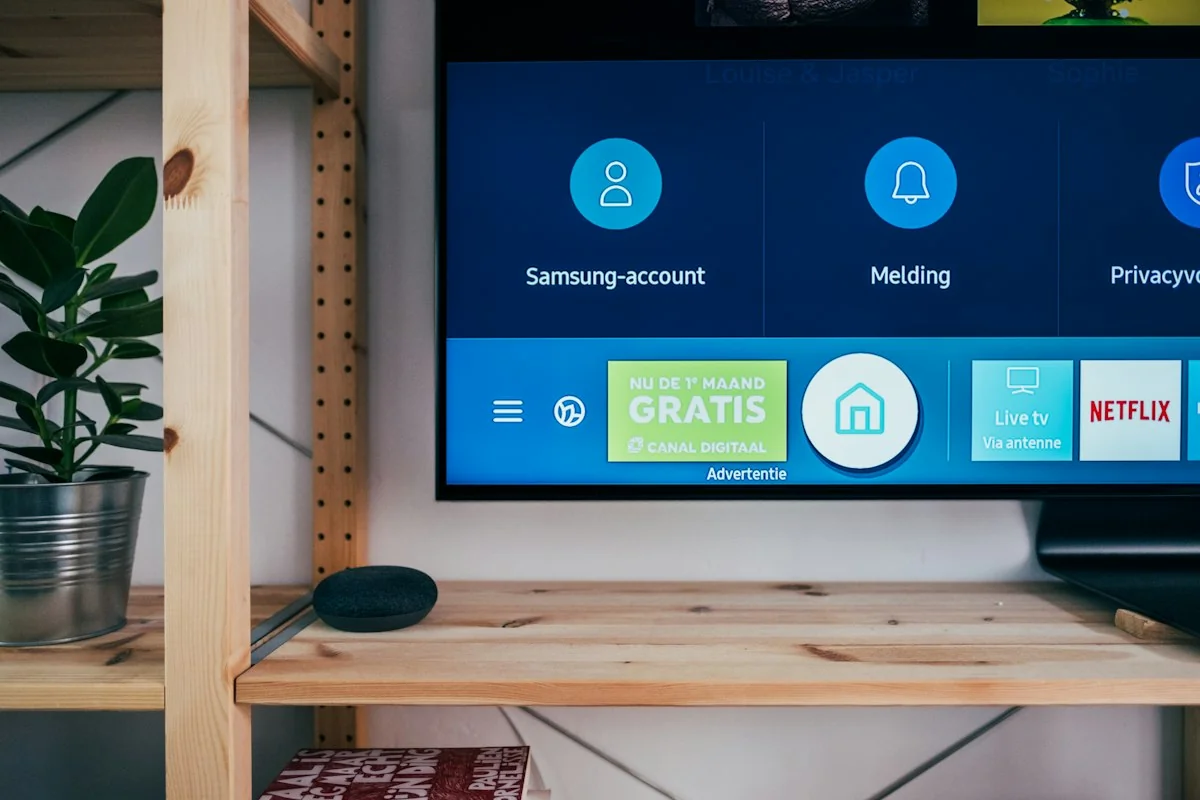
What does an IPTV smart player do?
An IPTV player is the application that opens your provider's streams and displays the channel list or programme guide. Choosing a player and buying access to content are separate decisions. Installing an application does not mean that television channels are included or that the application owns rights to the content you enter.
Start with your device, rather than a list of supposed best apps. Write down the exact model, operating system and software version. Then check the developer's official information and your device's app store. Similar product names can belong to different developers, so confirm the publisher before installing or paying.
Compare the things that matter for your setup
- Device support: Confirm that the specific app works on your television, streaming box, computer or phone. Availability on one platform does not establish support for another.
- Login format: Ask your provider whether access uses a playlist URL, a username and password with a server address, or another method. Your chosen player must support that method.
- Everyday controls: Check how channel search, favourites, the remote control and programme guide work. Guide information depends on the data supplied with your service.
- Fees: Check the current developer or app-store price, the devices covered and whether payment renews. An app activation fee is separate from your service subscription.
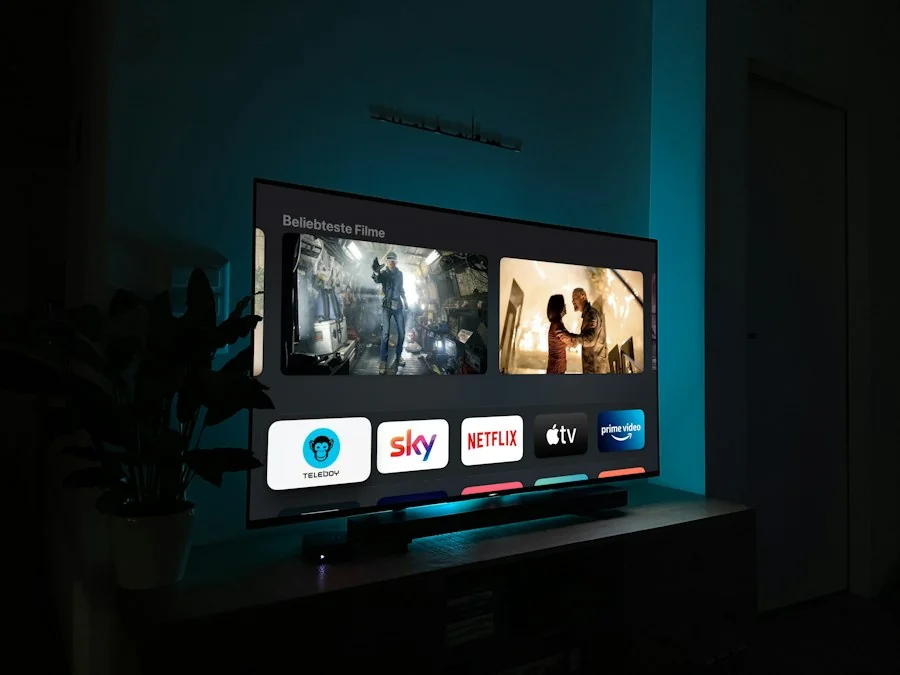
Where to check player details
TiviMate and IBO Player are examples you may encounter when looking for a player. Check TiviMate's official website or IBO Player's official website for current installation and activation information. These examples are not a compatibility guarantee or a ranking based on a hands-on review.
If you are considering a Smarters-branded application, verify the exact product and publisher in the official store for your device. Do not install an unknown file simply because its name resembles a familiar player. Keep the app updated through its official distribution channel.
Set up a player without exposing your account
- Confirm the supported app and login format with your provider before purchasing a separate app licence.
- Install the application from the developer's documented source or your device's official app store.
- Enter the details supplied for your own account. Copy the server address carefully, including its prefix and any port number.
- Load the channel list and test several streams. Check whether the programme guide has loaded and whether its time zone matches your location.
- Keep account details private. If you need help, send the device model, app version and error message rather than a screenshot displaying a password or playlist token.
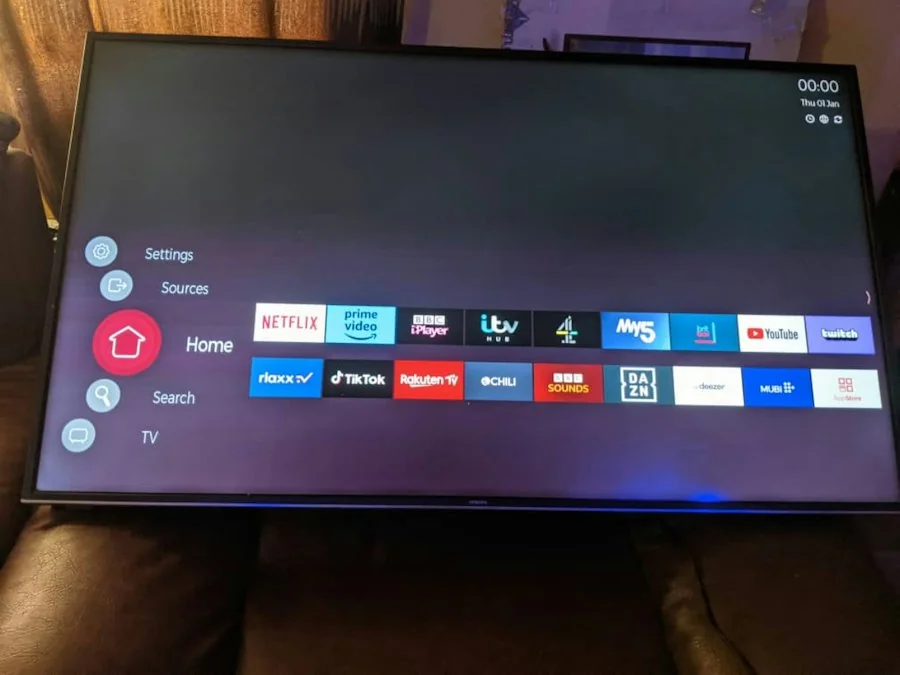
If channels will not load or playback buffers
First determine whether the problem affects every stream or a single channel. A login error, an empty list and interrupted playback are different symptoms. Note the exact message and when it happens so that support can investigate the right issue.
Check that the device is online, restart the application and confirm that your account has not expired. Try an Ethernet connection where supported, or improve the Wi-Fi connection and compare playback again. Other downloads or streams can compete for the same connection. A speed test alone does not establish that the stream source or player is working properly.
Follow the developer's instructions for player settings. There is no universal decoder setting that guarantees smooth playback on every device. Change one setting at a time and restore it if playback gets worse. If other channels work but one does not, report that channel and the time of the failure to your provider.
Check content access before you pay
A player cannot turn an unavailable source into a working channel or give a provider distribution rights. Ask about the content you need, device support, permitted connections and refund terms before ordering. Use only content you are entitled to access. For questions about our plans, contact support and consult the 7-day Refund Policy.